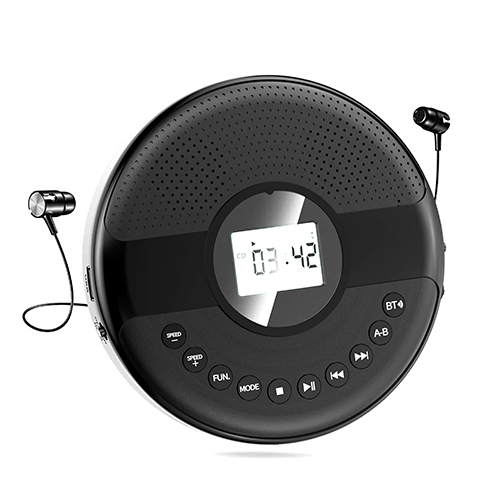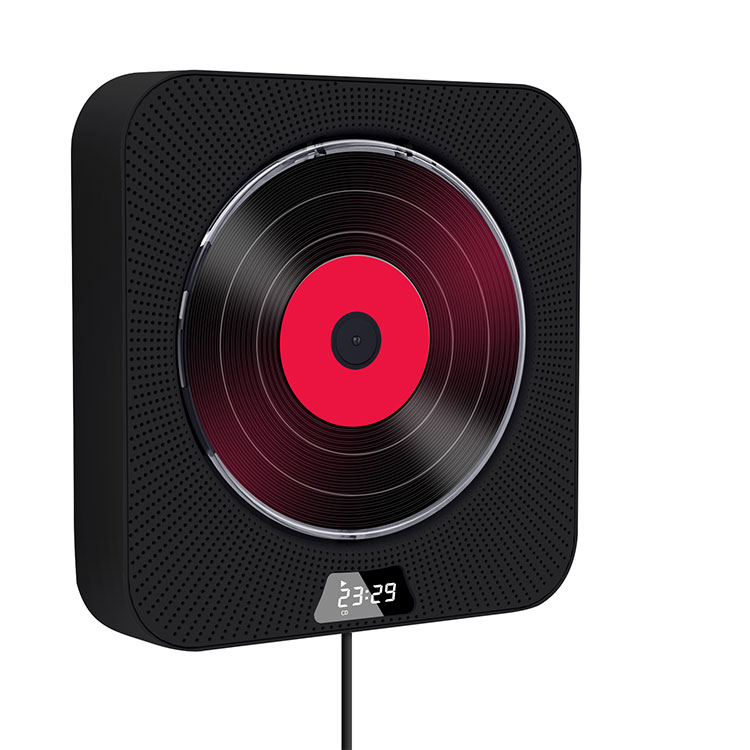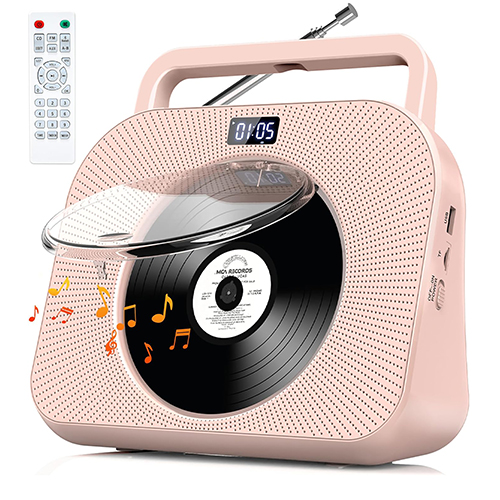

Article Summary: This guide provides an in-depth exploration of the Discman CD Player, including its specifications, functionality, practical usage tips, and answers to common questions. The content aims to assist consumers in making informed purchasing decisions while understanding how to maximize the performance of their device.
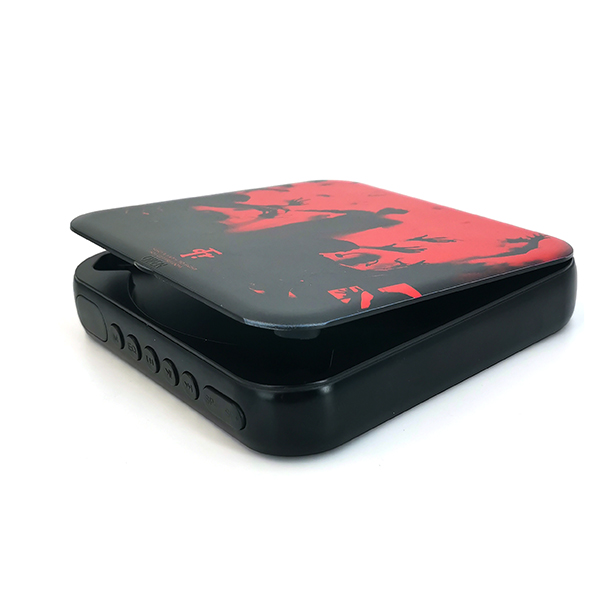
The Discman CD Player represents a significant advancement in portable audio technology, offering users the ability to enjoy high-quality digital music on the go. First introduced by Sony in the 1980s, the Discman has evolved over decades to incorporate anti-skip technology, long battery life, and compatibility with a wide range of CD formats, including CD-R and CD-RW discs.
This article aims to provide a detailed guide on the Discman CD Player, covering technical specifications, usage guidance, troubleshooting, and consumer questions. By understanding these aspects, users can maximize their listening experience and ensure long-term device performance.
Below is a comprehensive summary of typical Discman CD Player specifications, highlighting performance metrics and connectivity options:
| Feature | Description |
|---|---|
| Playback Format | CD, CD-R, CD-RW, MP3 (depending on model) |
| Anti-Skip Protection | 50–100 seconds, depending on the model |
| Output | 3.5mm headphone jack, line-out RCA (selected models) |
| Battery Life | 10–20 hours using AA batteries or rechargeable battery packs |
| Weight | Approx. 200–350 grams |
| Dimensions | Approx. 140 × 140 × 30 mm |
| Additional Features | FM radio (select models), programmable playback, repeat/shuffle modes |
Disc skipping often occurs due to movement or vibrations. To prevent this, ensure the player is on a stable surface and make use of anti-skip buffering technology. Most modern Discman players include memory buffers that temporarily store audio data, reducing interruptions caused by minor movements.
Discman devices typically use AA batteries or dedicated rechargeable packs. To replace AA batteries, open the battery compartment, remove old batteries, and insert new ones matching the correct polarity. For rechargeable packs, charge the battery fully using the original charger before initial use to maximize lifespan.
Regular maintenance involves cleaning the CD lens using a lens-cleaning disc or soft cloth to avoid scratches. Avoid exposing the device to extreme temperatures or moisture. Store the Discman in a protective case when not in use to prevent dust accumulation.
Ensure that CDs are free of scratches or fingerprints. Discman supports standard audio CDs, and many modern models also support MP3 or CD-R/CD-RW discs. Using high-quality media prolongs device lifespan and reduces playback errors.
To maximize battery life, avoid using the device continuously at high volume. Rechargeable batteries should not be left in the charger indefinitely. Rotating between fresh and fully charged batteries ensures consistent playback.
Discman CD Players often include repeat, shuffle, and programmable track options. Familiarize yourself with these features to enhance your listening experience. Consult the user manual to fully exploit device capabilities, such as folder navigation on MP3 discs.
Always use a padded case or carrying pouch when transporting the Discman. Excessive jostling can lead to disc read errors or mechanical wear. For long-term storage, remove batteries to prevent leakage.
The Discman CD Player remains a reliable choice for portable music enthusiasts, combining ease of use, solid performance, and compact design. Advanced models integrate features like anti-skip technology, programmable playback, and multi-format support, making them versatile for modern music needs.
TOMPIRE offers a range of Discman CD Player models designed to meet diverse listening requirements. Whether for casual daily use or extended travel, TOMPIRE ensures high-quality audio performance and durable construction. For more information on product specifications or to place an order, contact us directly.